
How to create a Gmail account?

Creating a Gmail account is the first step to discovering the endless possibilities and tools offered by the Google platform. In this tutorial, we take a step-by-step look at the process of creating a Gmail account, also sharing practical tips that will help even novice users to create their own digital environment with ease.
Step 1
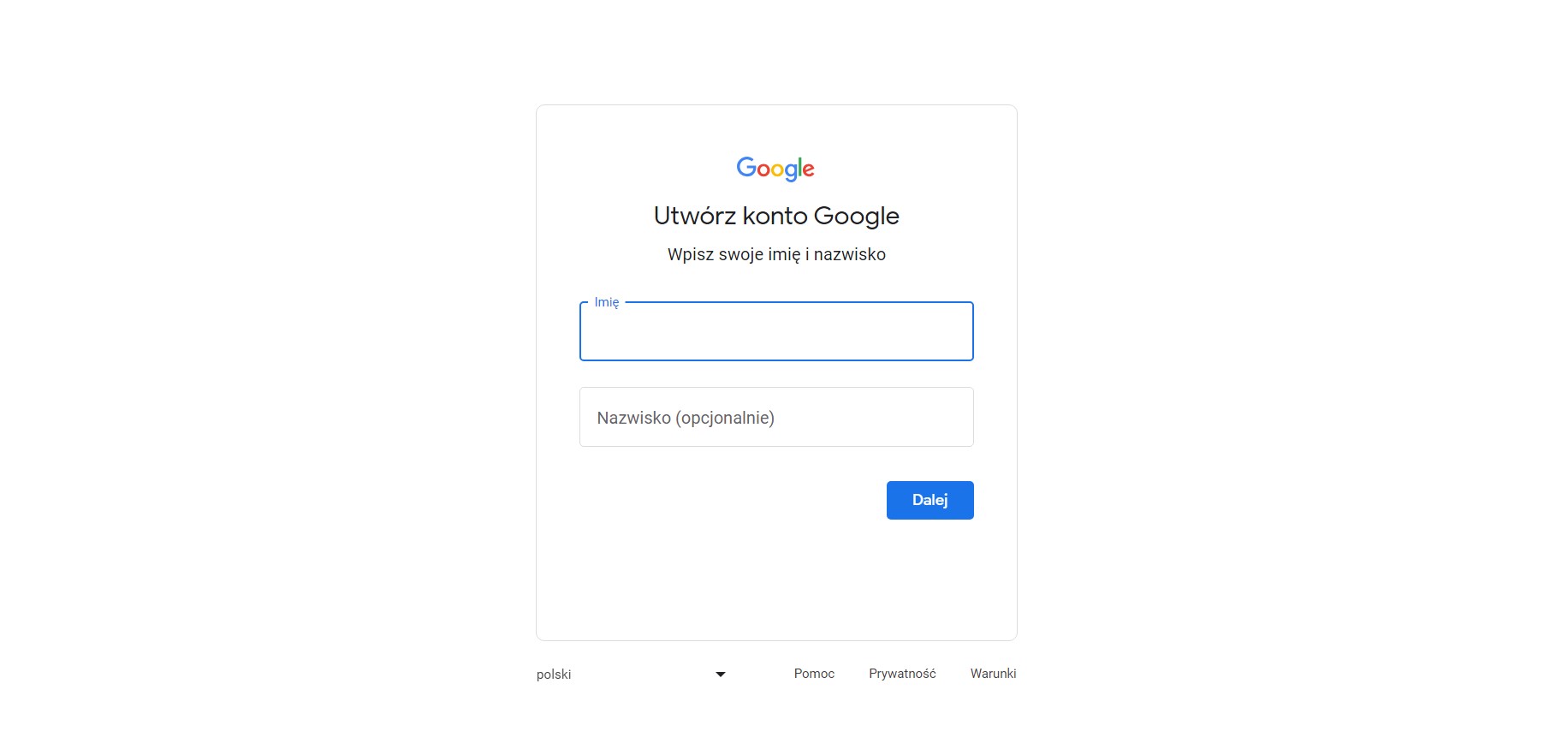
The first step is to open the Google account creation page and enter your name and click “Next
Step 2
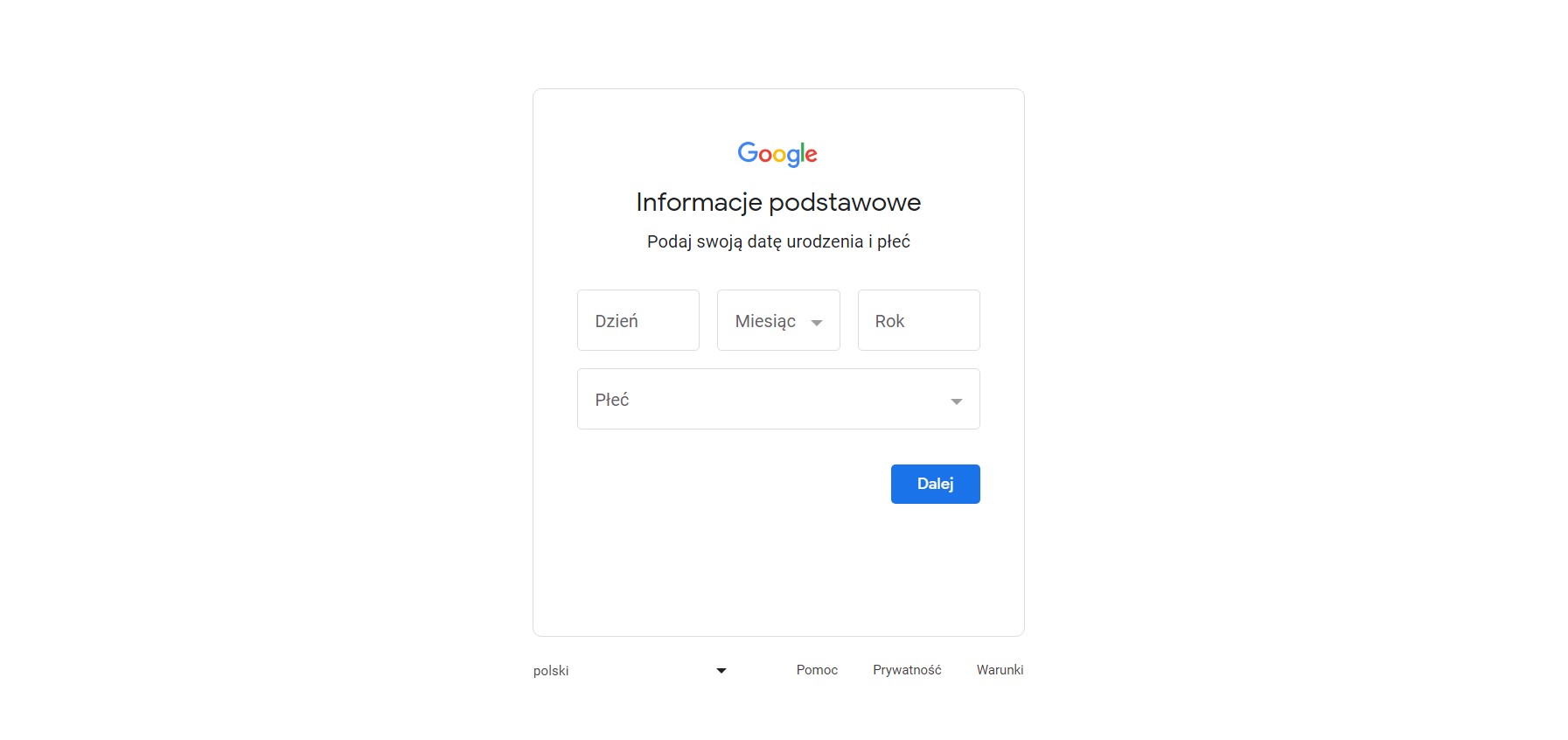
The next step is to fill out any required information such as date of birth or gender.
Step 3
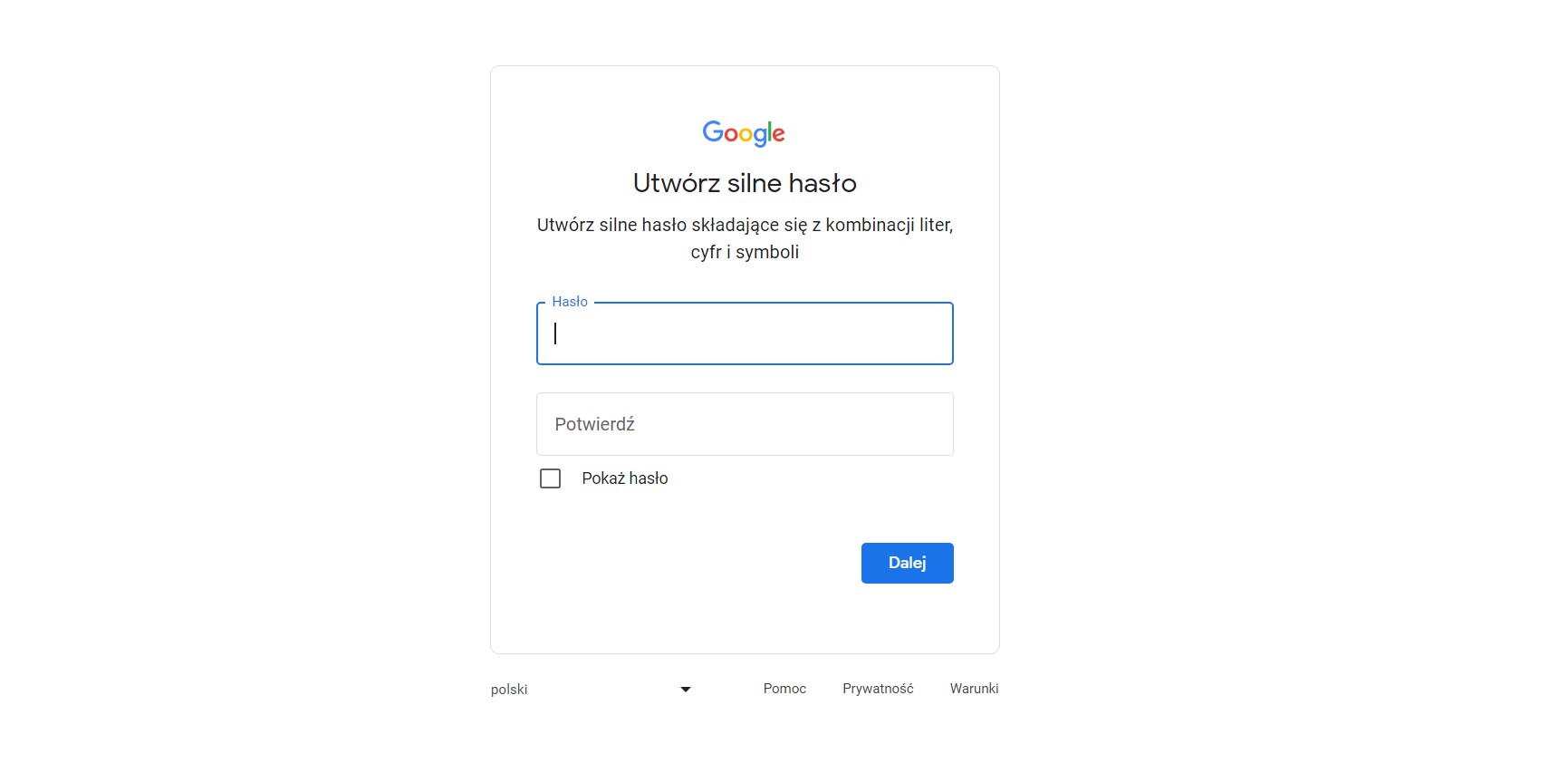
In this step, you will need to create a password that includes uppercase and lowercase letters, at least one number, and a symbol. Enter the password carefully for both fields, you can check the “Show password” option to make sure everything is correct. If the passwords are not the same, the form will return an error message and will not let you through to the next steps of the process.
Step 4
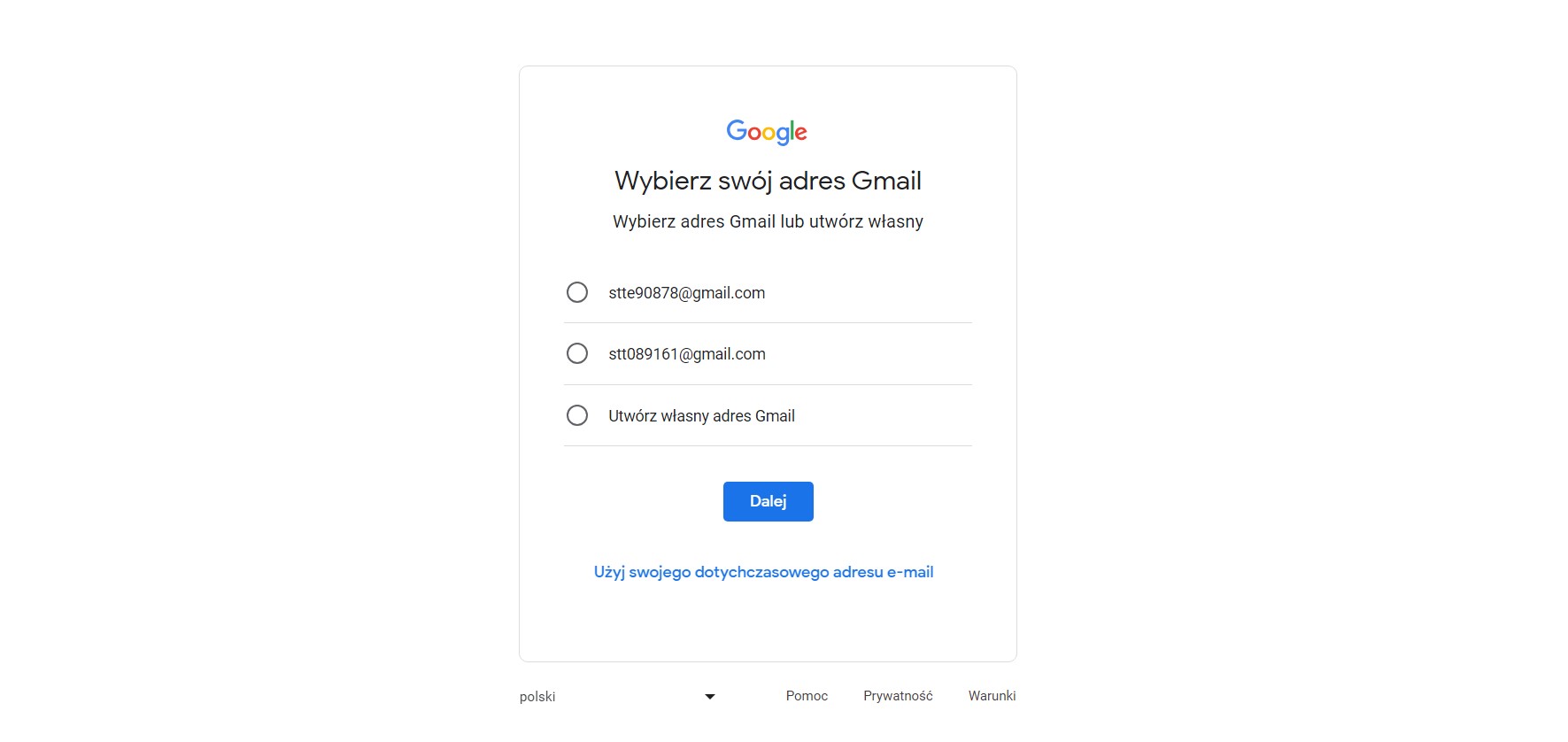
Google will offer you some currently available suggested Gmail addresses. You can choose one of them or check the ‘Create your own Gmail address’ option to enter the address yourself. You can also use your existing email address.
Step 5 and 6
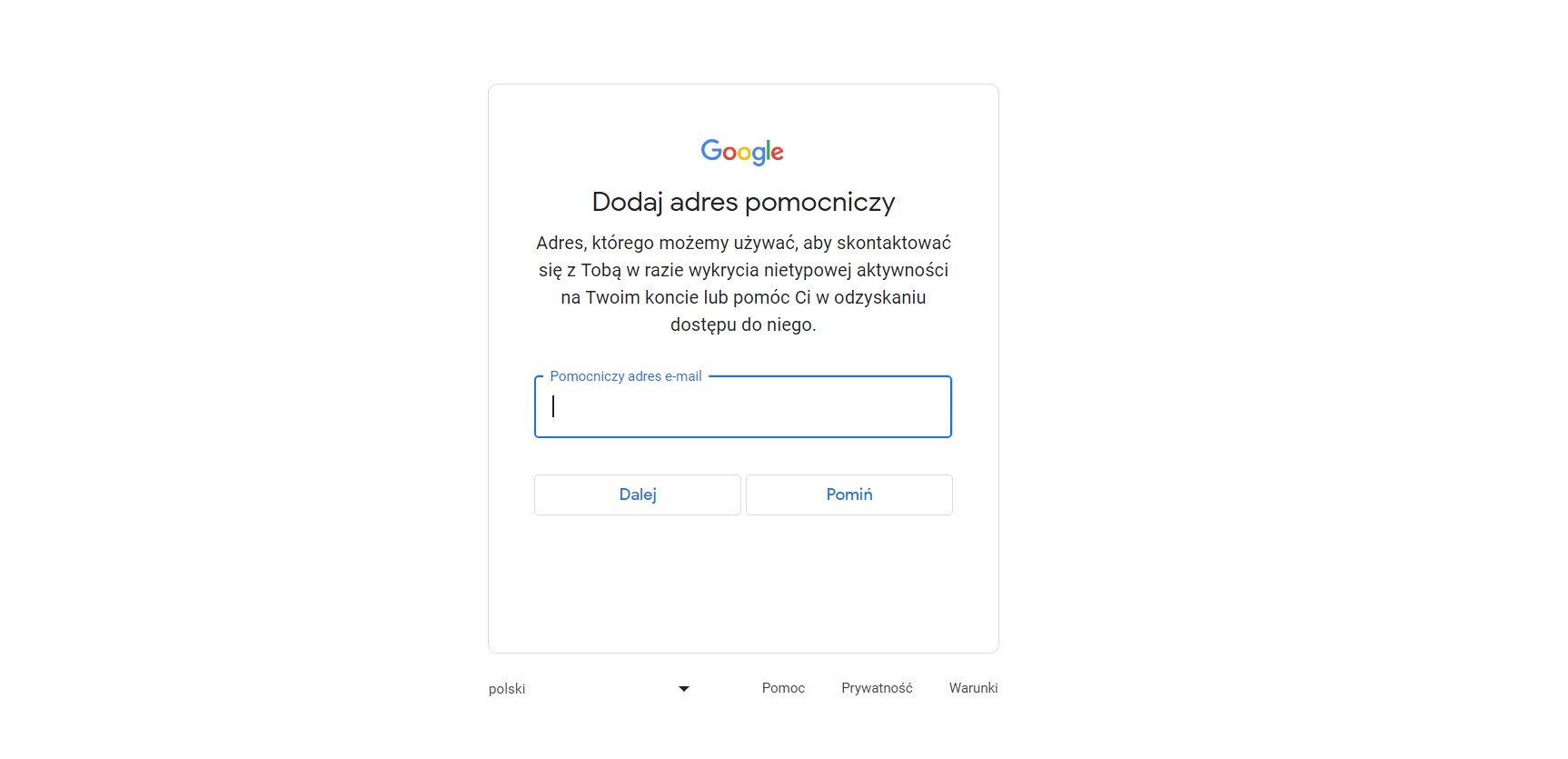
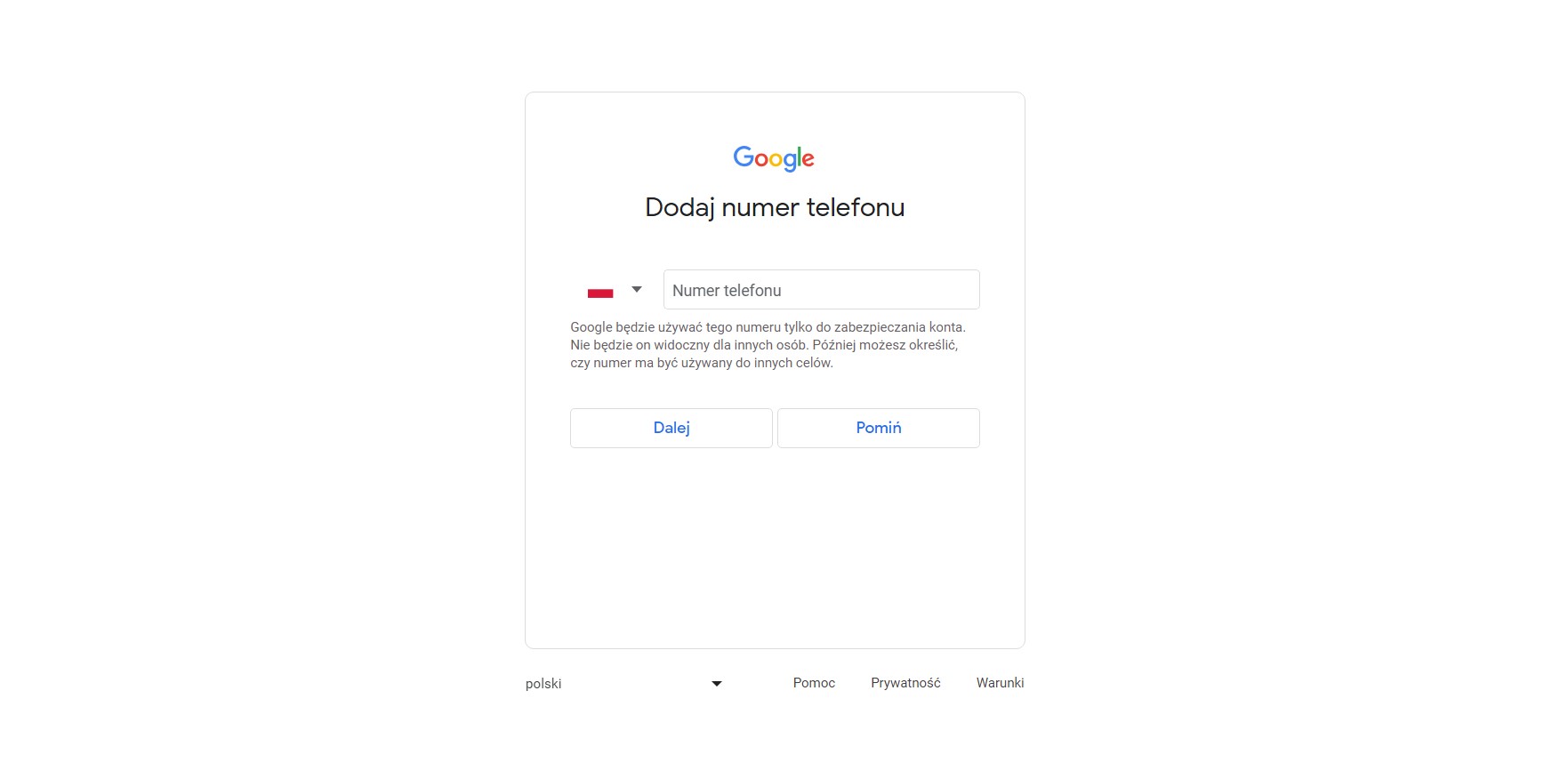
In these steps, you’ll see fields that you don’t need to fill in, but we still recommend you do so as they are directly related to security. This data will not be used for any purpose other than user safety.
Step 7
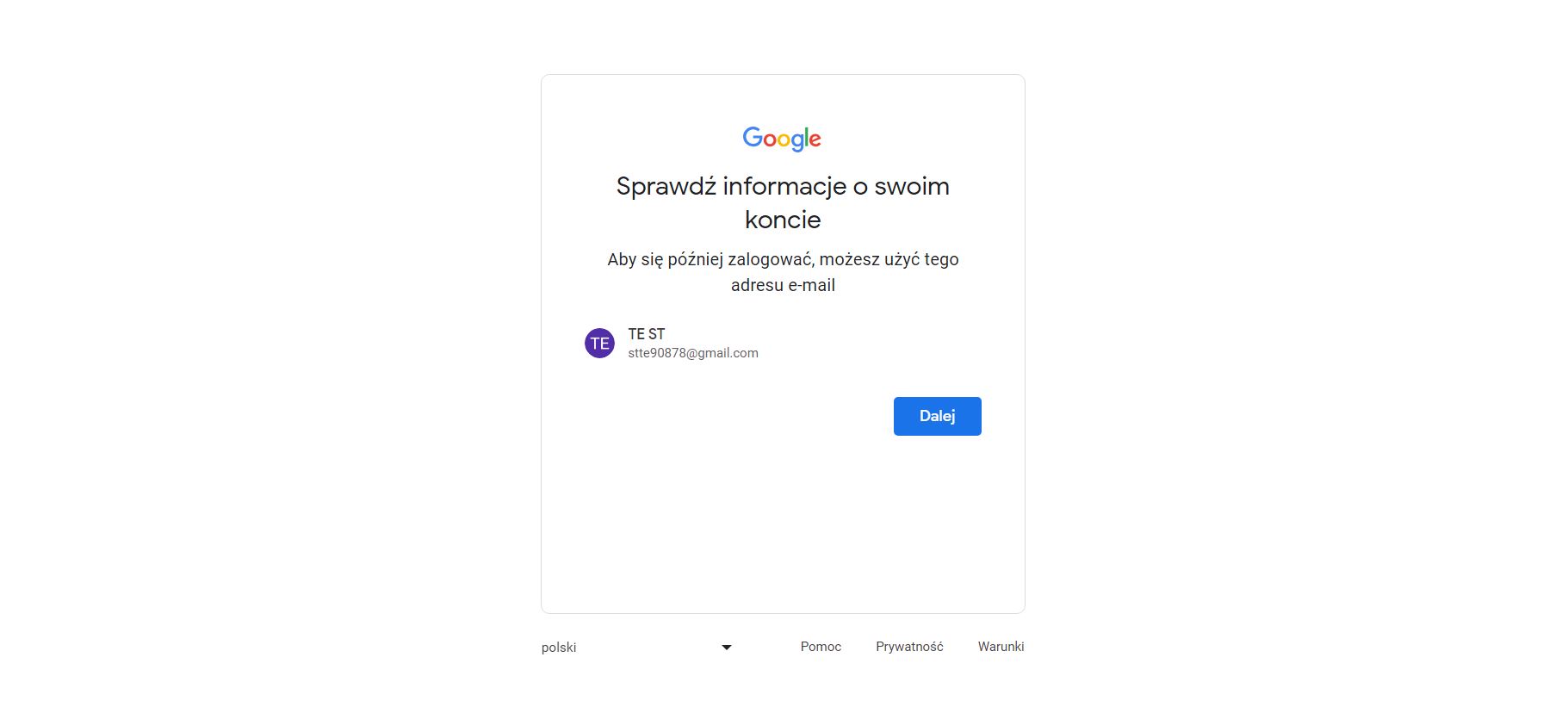
This is a summary of the data you have entered so far. This is the time to make sure everything is okay. If so, go ahead, if you want to change something you can still go back and make changes.
Step 8
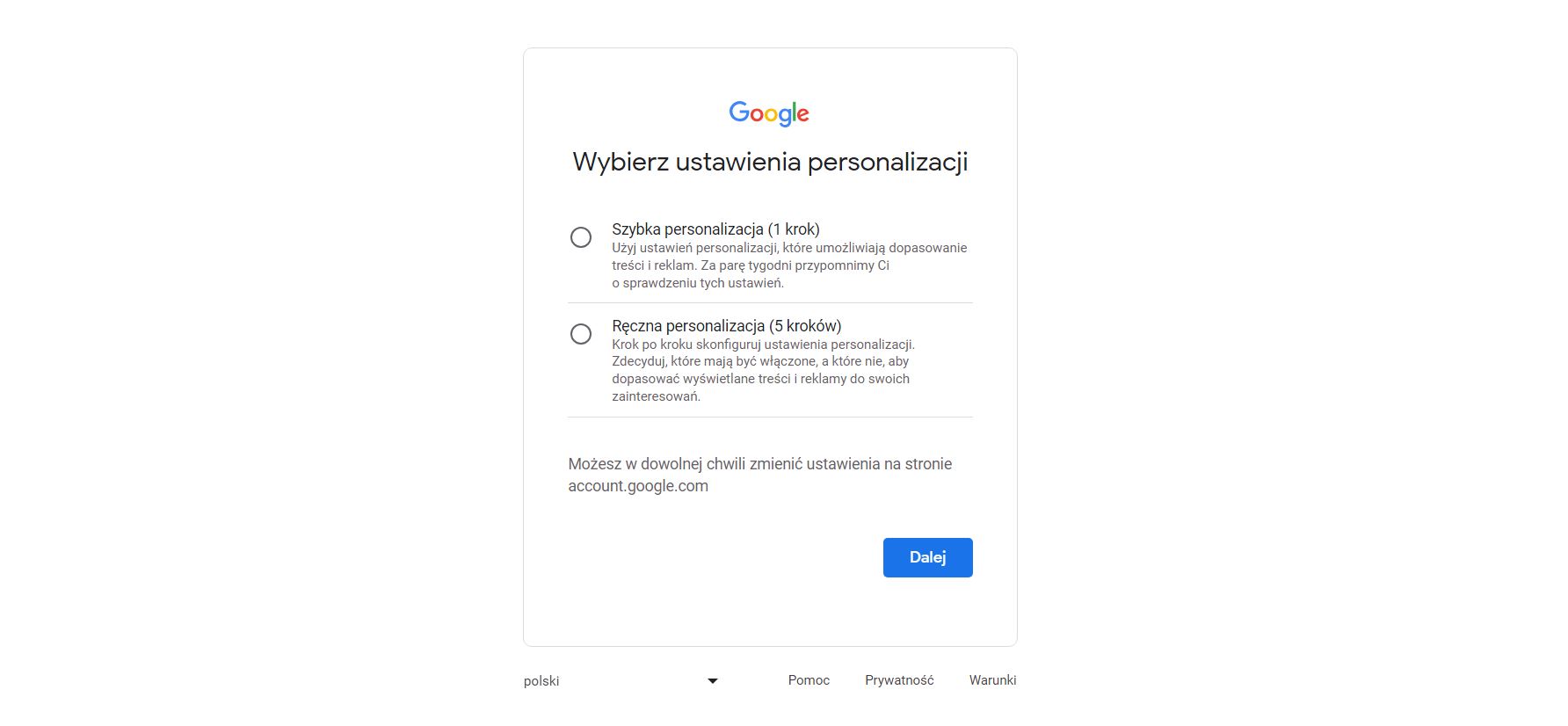
In this step, your task is to choose the personalization settings. You can choose a shorter one consisting of 1 stopper or a longer one consisting of 5 steps. When you’re done, move on.
Step 9
You should see a screen like this in front of you. This is your Google account management panel. To go to gmail nPress the icon of the 9 little squares in the upper right corner and select Gmail.
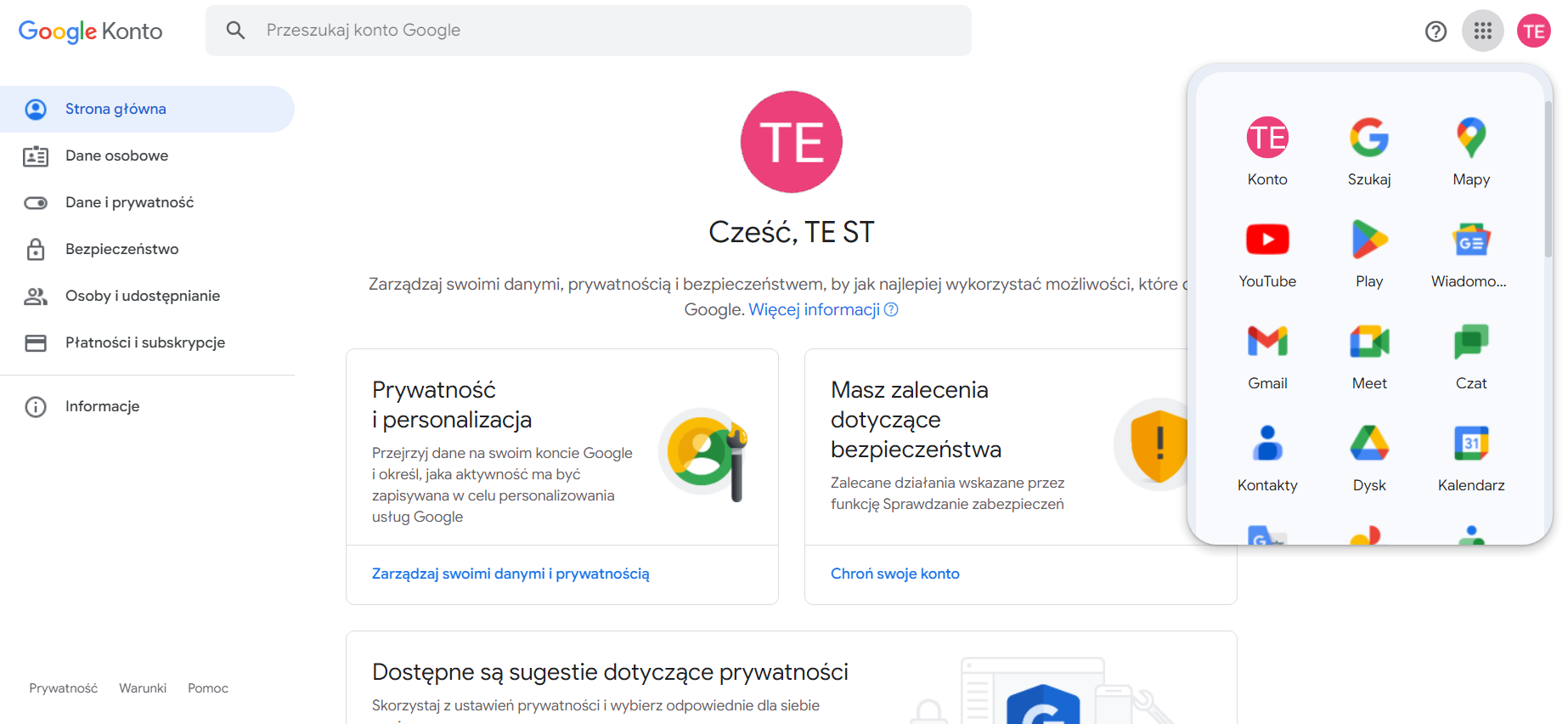
You will be transferred to Gmail, where you will have to complete the configuration by selecting the selected options according to your preferences.
If you did, congratulations, you’ve just created your Gmail account!